Changing A Lead Deal to An Option
A Lead Type Deal can be changed to an Option by clicking on the "Save as Option" button in Deal Details. A confirmation window will be displayed before converting the deal.
A Lead deal does not have an Arrangements tab. Saving it as an option is the next step in the deal process and it unlocks more details and the arrangements tab.
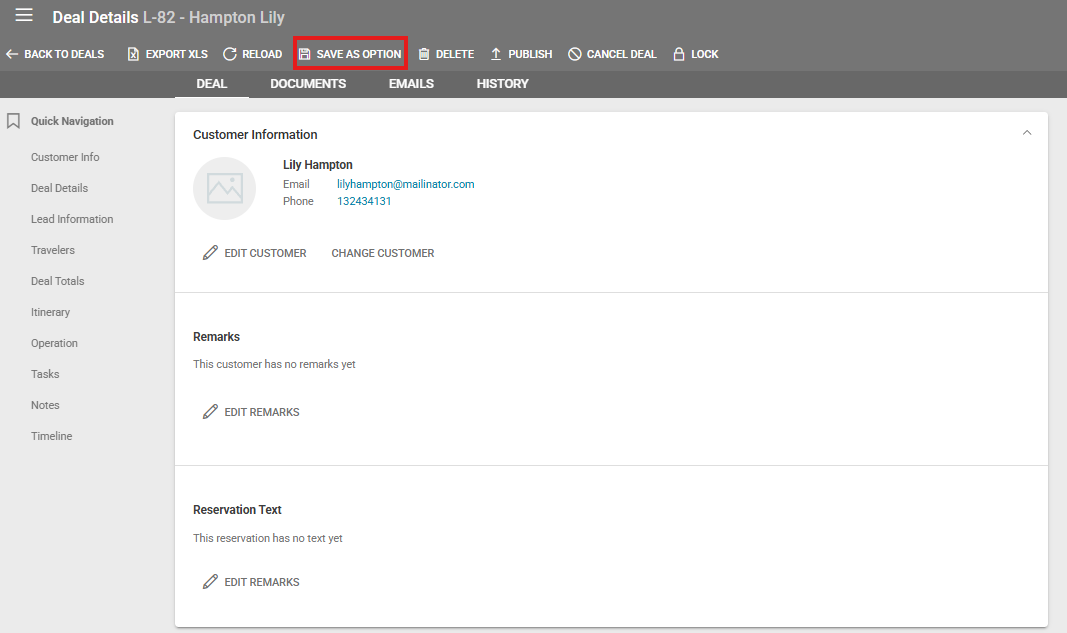
In order to save a lead to an option, the following information needs to be filled out in the deal:
Billing Address
Arrangement Type
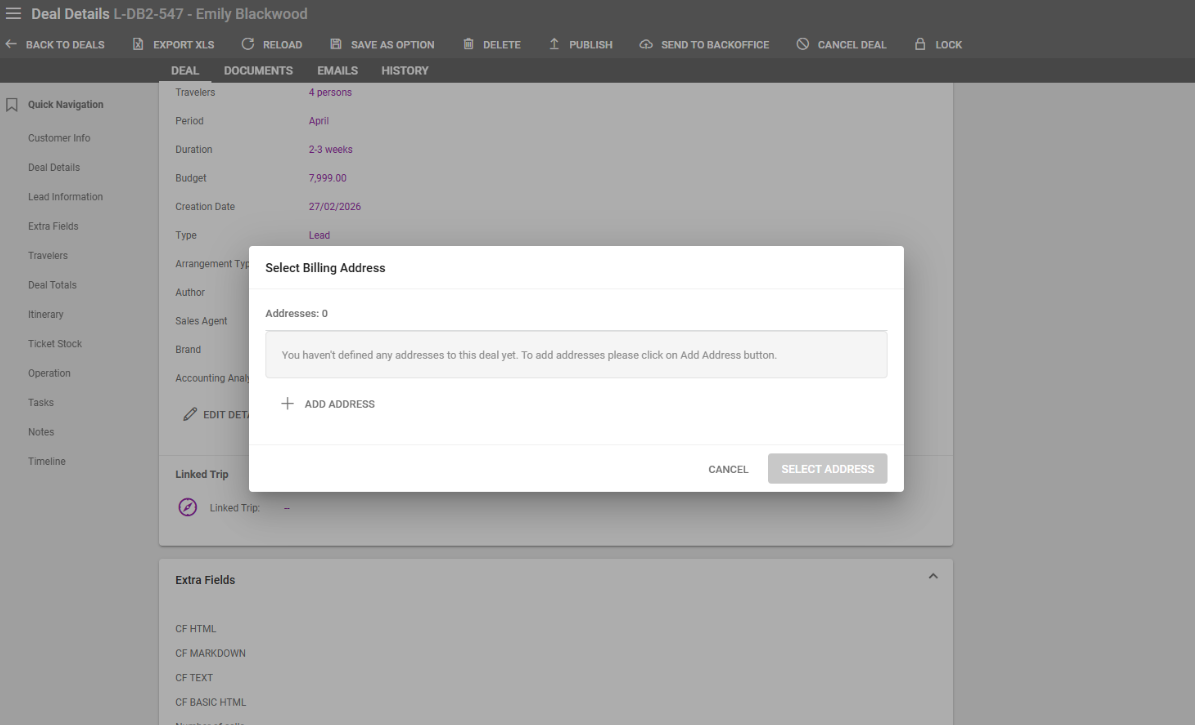
A window is displayed when attempting to save a lead as an option if the Lead deal doesn’t have a Billing Address set. This window allows operators to add a new Address in a similarly to the Address step when creating a deal.
Changing An Option Deal to A Booking
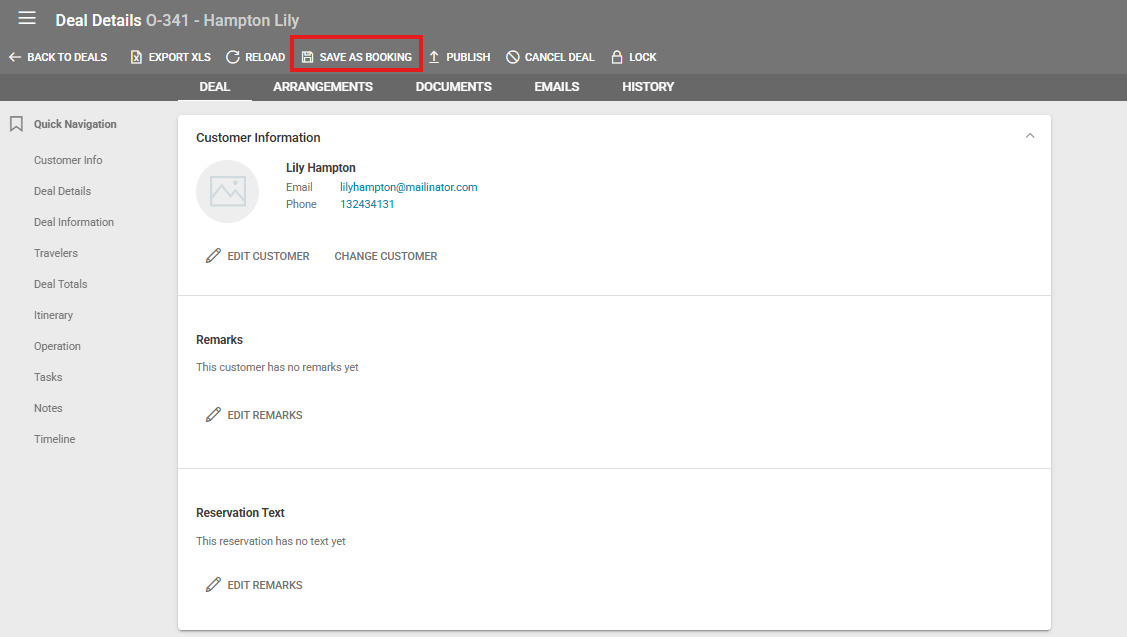
Clicking the "Save as Booking" button in Deal Details will convert an Option Type Deal to a Booking which allows operators to generate a Customer Invoice. A confirmation window will be displayed before converting the deal.