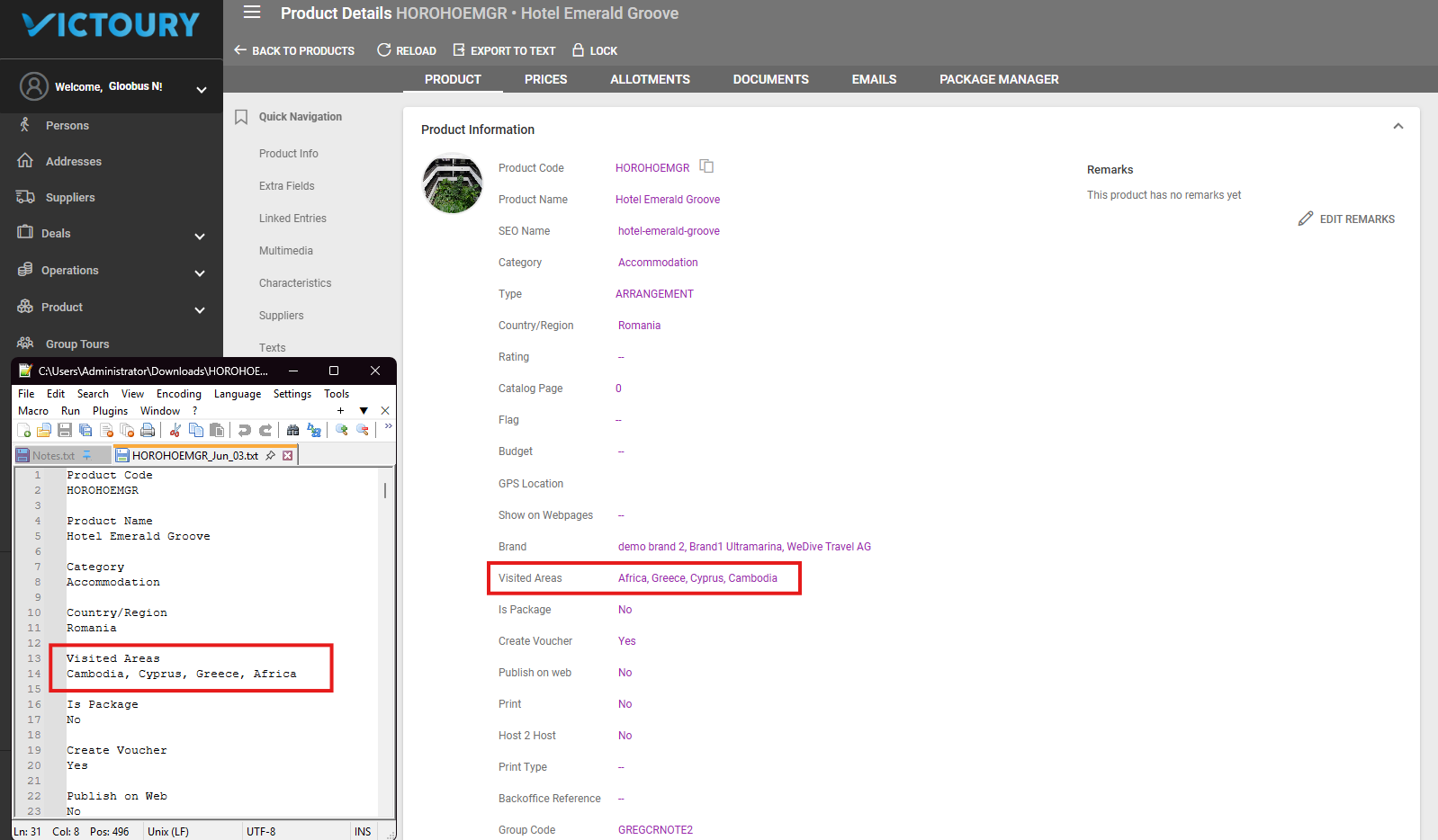
In Product Details, a function is available to export product details to a text file.
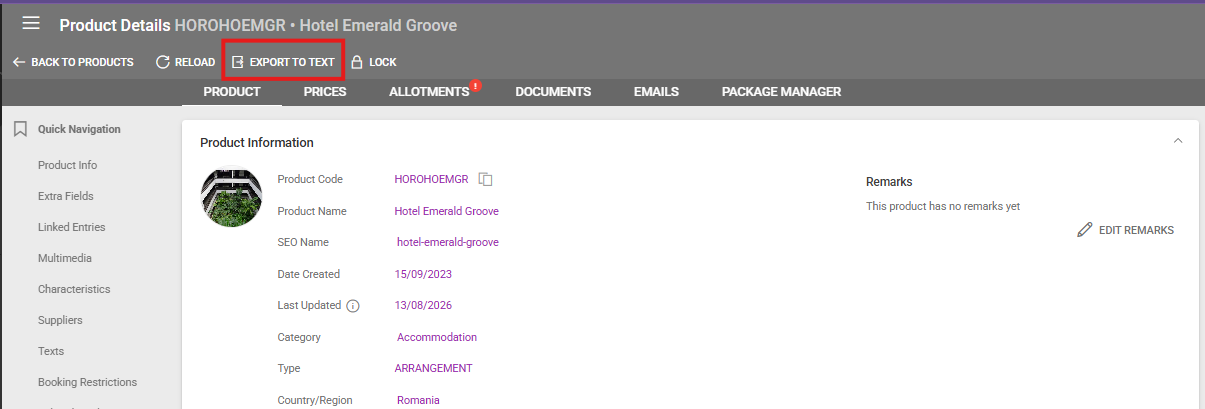
To export a text file with your product, access Product Details and click on the "Export to Text" button in the top menu.
This will result in a file with the following name format: ProductCode_CurrentDate.txt
This file includes the following information:
General Product Information, Product Code, Product Name, Category, Country/Region, Visited Areas, Is Package, Create Voucher, Publish to Web
Image links or image file names depending on the upload method
Video embed codes
Characteristics
Product Texts for every language added. Every product text entry starts with the Valid from and to dates. The text is exported with HTML formatting in case any is applied.